For boards, committees and company meetings
From the meeting to the minutes, without taking notes.
GrabaNota records your board meetings, assemblies and team meetings and gives you the transcript with who said what, the minutes, the summary and the agreed tasks. You run the meeting; the AI takes the notes.
In Spanish, Catalan and English. Your recordings are private by default.
Example of a meeting in GrabaNota: the transcript with speakers and the minutes with their agreements and tasks
- for minutes, summaries, tasks and more
- 5 templates
- each audio is kept
- 5 years
- Spanish, Catalan and English
- 3 languages
- by default: only you see what is yours
- Private
Who it's for
Built for the meetings that matter
Where decisions are made, there has to be a record. GrabaNota keeps it for you.
 01
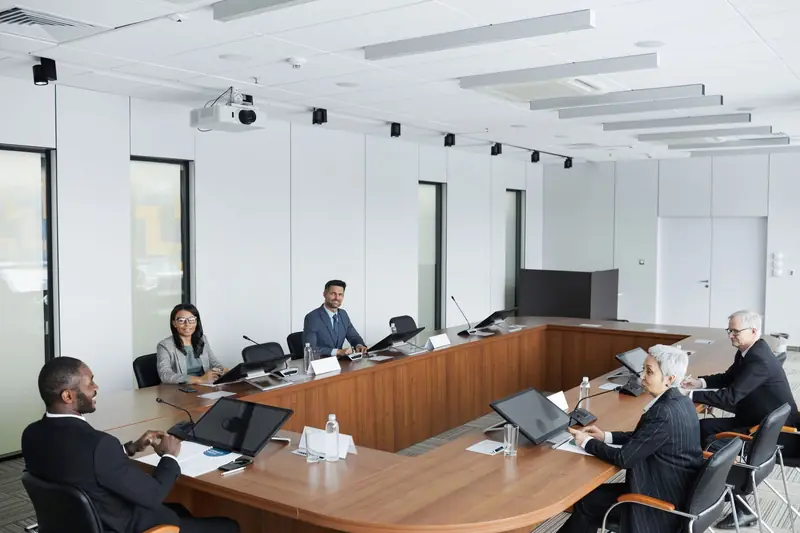
01Boards and committees
Governing boards, boards of directors, management committees. Formal minutes with attendees, agenda, discussion, agreements and votes, ready to review and sign.
- Formal minutes with agreements and votes
- Who said what, to the exact minute
- Tasks with an owner and a date
 02
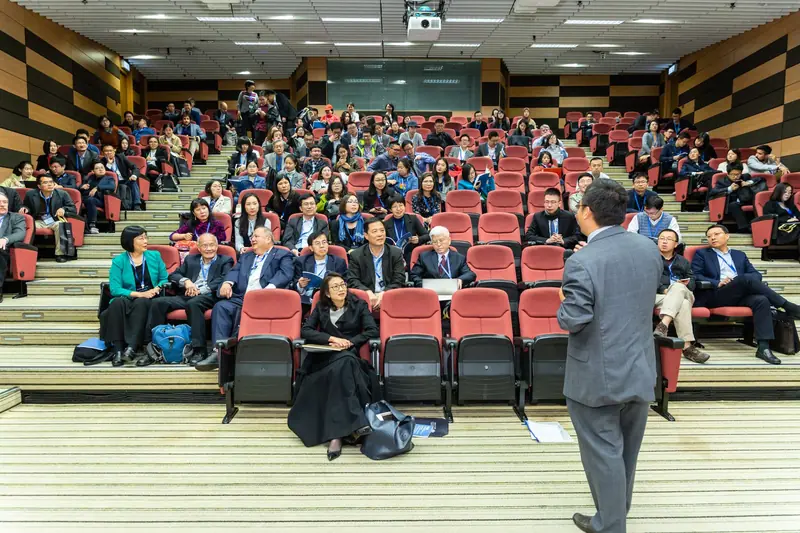
02Assemblies and general meetings
Members' assemblies, owners' meetings, council sessions. Hours of speeches turned into a document you can read and search.
- Long recordings, with the screen off
- Every speech with its speaker
- Search any word across all your assemblies
 03
03Team and client meetings
Follow-ups, committees, site visits, client meetings. When you walk out you already have the summary and the follow-up email.
- Summary with decisions and key points
- Follow-up email already drafted
- Share it with those who could not attend
 04
04Training and classes
Courses, workshops and training sessions. Notes organised by topic, with the concepts, the examples and the review questions.
- Notes organised by topic
- Listen again to any explanation
- For trainers and for attendees
How it works
Three steps and the meeting is taken care of
Record or upload
With the Android app, which records for hours with the screen off, or by uploading an audio file from the web. With no coverage it uploads by itself later: a recording is never lost.
The AI does the work
It transcribes with speakers and prepares the document of the template you choose: minutes, summary, tasks and agreements, follow-up email or notes.
Receive and share
It reaches you by email when it is done and stays saved so you can search it, listen to it, correct it, export it and share it with your team.
Features
Everything that comes out of a meeting
Not just a transcript: documents ready to use and your whole meeting archive one search away.
5 templates for each kind of meeting
Choose what you want to receive. And if you later need another document from the same meeting, it is generated without transcribing again.
- SummaryOverview, key points, decisions and tasks.
- MinutesFormal minutes: attendees, agenda, discussion per item, resolutions and votes, tasks, any other business.
- Tasks and agreementsJust what has to be done and what was agreed, with owner and date.
- Follow-up emailDraft email to send to the attendees with what was agreed and the next steps.
- Class notesTopics, key concepts with their explanation, examples, questions raised and review.
Transcript with speakers
Every sentence with who said it and its minute. Tap a sentence and hear exactly that moment.
Search across all your audio
Type a word and find in which meeting it was said and at what minute, across all your recordings.
Tasks and agreements
What was agreed becomes tasks with an owner and a date, which you tick off as they get done.
Share with your team
Every recording is private until you share it with one person or with the whole company.
PDF, Word and email
Download the minutes as PDF or Word, or email them straight from the web.
Correct and polish
Name the speakers, fix a sentence and edit the document before sending it.
Android app for recording
Record with the screen off and mark the important moments with one tap.
By email when it is done
The document reaches your inbox and whoever you choose, without opening the web.
Privacy and retention
Your meetings are yours
What is said in a board meeting is not for everyone. This is how we treat it.
Read the privacy policyPrivate by default
Only you see your recordings. In a company account, not even the administrator sees what you have not shared.
We do not train on your data
Your audio and your text are not used to train artificial intelligence models.
Audio for 5 years; text with no expiry
Audio is kept for 5 years. The transcript, the documents and the tasks are kept for as long as the service is provided and your account exists.
Export or delete whenever you want
Take all your data with you in one file or delete your account from the settings, without asking anyone.
Plans
Plans
No lock-in. AI minutes renew every period.
Personal
For one person: 600 AI minutes a month, unlimited recordings and speaker-labelled transcripts.
€9.00per month
600 AI minutes per period
- Speaker-labelled transcript
- Summary, minutes or notes
- Detected tasks
- Everything by email when done
Business
For teams: 1,200 AI minutes a month per user in a shared pool, with shared recordings.
€19.00per month · per user
1200 AI minutes per period
- Speaker-labelled transcript
- Summary, minutes or notes
- Detected tasks
- Everything by email when done
- Shared pool of minutes
- Recordings shared with the team
Sign-ups are by invitation: write to us and we will give you access the same day.
Frequently asked questions
Frequently asked questions
How long do you keep my data?
Audio is kept for 5 years from the recording date. Transcripts, results and tasks are kept indefinitely while the service is provided and the account exists.
Who can see my recordings?
Only you, unless you share them. In a business account, the administrator does not see members' private content.
Do I have to tell the attendees?
Yes. Whoever records must tell the attendees that the meeting is being recorded and that the audio is processed with artificial intelligence. The app reminds you before you start.
Can I search for something said months ago?
Yes. Search goes through the text of all your recordings and takes you to the exact minute, even if the audio is no longer kept.
Which languages does it work in?
The web, the app and the documents are in Spanish, Catalan and English. The language of the meeting is detected automatically, or you set it when recording.
Do I need to install anything?
To record from your phone, the Android app. If you already have the audio, you upload it from the web and get the same result.
Can I change or cancel my plan?
Yes, whenever you want. If a plan's price changes, existing customers keep theirs.
How do I pay?
For now, by bank transfer or invoice: we activate the plan or pack the same day.
Your next meeting, minutes included
Try GrabaNota at your next board or committee meeting. If it does not convince you, you take your data and delete the account.